wilmomma

How Wilmomma works

Five flows. Ten taps.
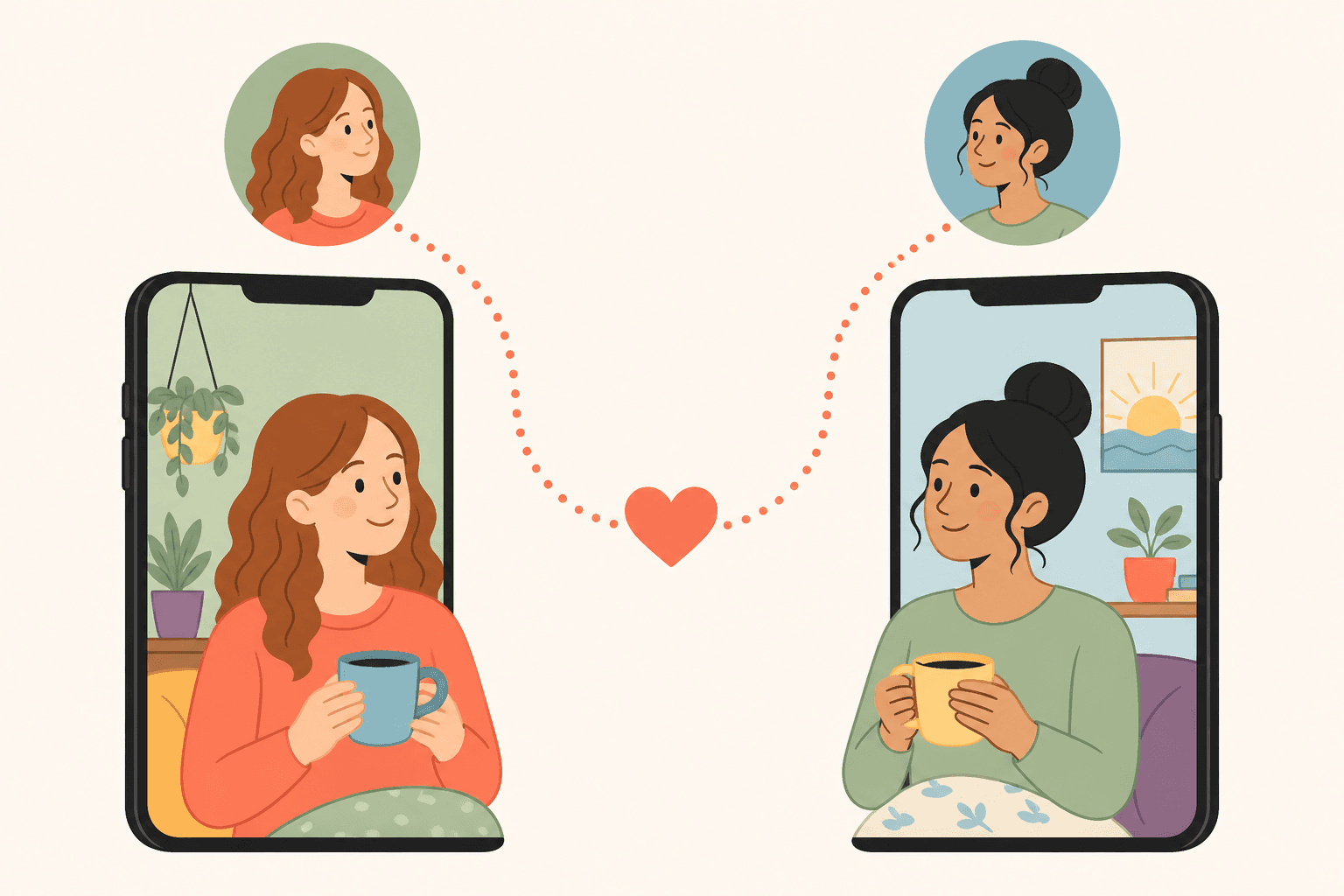
Your village, found.

Wilmomma is designed so any mom — sleep-deprived, one-handed, in the school pickup line — can do anything in under 30 seconds.

How Wilmomma works

From “I don’t know any moms” to park day Friday — in four steps.

Full walkthrough
01

Sign up with your phone

One text-message code. No email, no password, no Facebook. 90 seconds and you’re in.

02

Swipe through your village

Moms, free groups, and local businesses — all in one feed. Like, pass, or send a gift to break the ice.

03

Find friends, events, and offers

Mutual right-swipes unlock DMs. Mom groups show up in your calendar. Insider offers land in your wallet.

04

Send a little love

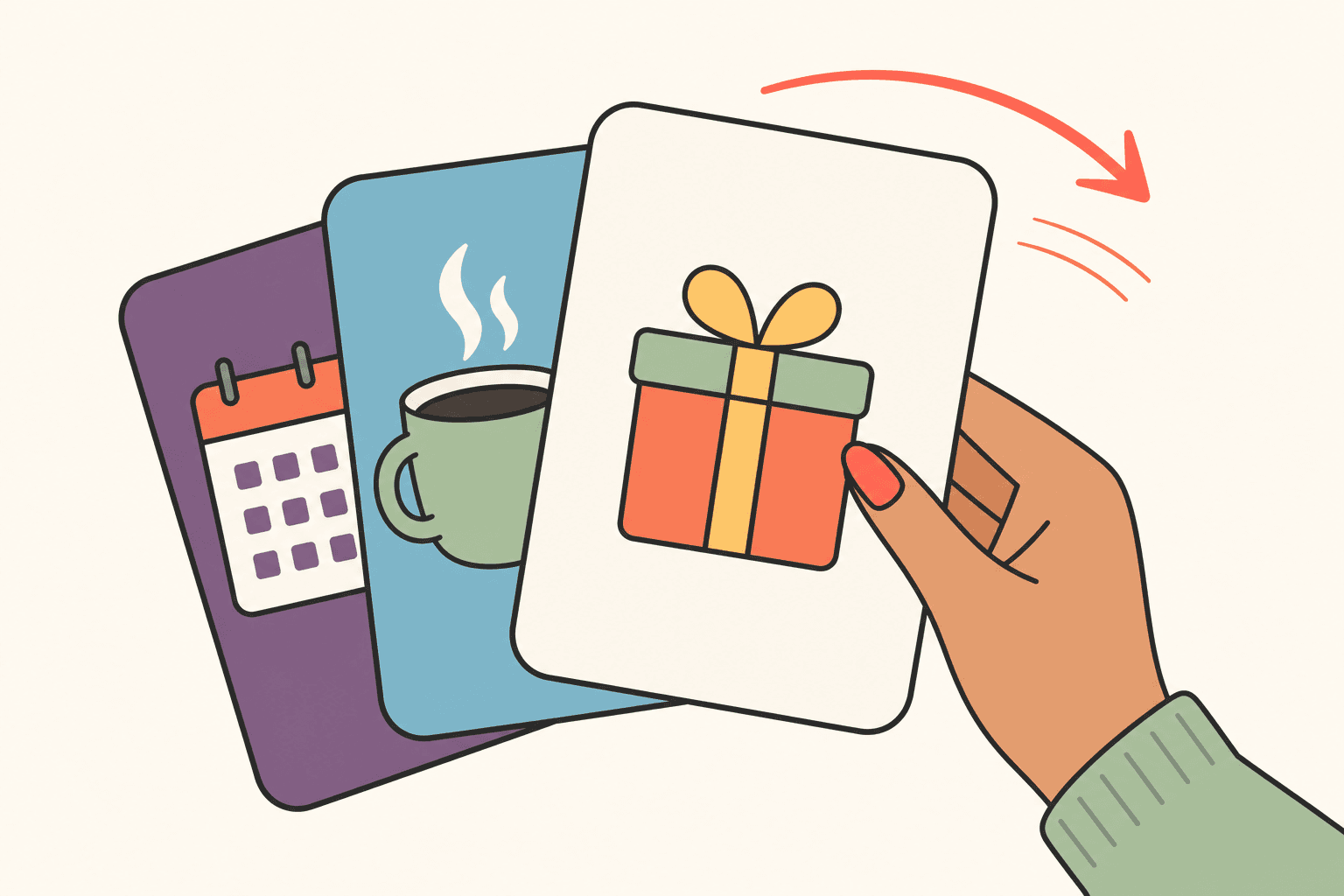
A coffee. A salt-room session. A boutique credit. Two taps to send, partner gets paid when she redeems.

Signing up

Step 01

Signing up

  • Tap "Join Wilmomma." Enter your mobile number.
  • We text you a 6-digit code. Enter it.
  • Pick your first name and (optionally) a photo. That’s it. You’re in.
  • Add kids, hobbies, neighborhood, and education anytime — none of it is required.
Matching with moms

Step 02

Matching with moms

  • Open your Home feed. You’ll see a mix of moms, free groups, and partner businesses.
  • Swipe right on a mom you’d like to meet. If she swipes right too, you both get a "match" and DMs open up.
  • Left-swiped profiles don’t come back for 14 days — so the feed stays fresh.
  • Filter by your kids’ age ranges, education level, or vaccination preferences (your filter is always private).
Joining free mom groups

Step 03

Joining free mom groups

  • See a group you like in your feed (Stroller Strides, Library Storytime, etc.)? Swipe right.
  • You’re instantly connected — the group can DM you and you’ll see their events in your Calendar.
  • Your Calendar has two tabs: Free (from groups) and Paid (from partners).
  • Click any event to RSVP, see location, and add it to your phone calendar.
Claiming partner offers

Step 04

Claiming partner offers

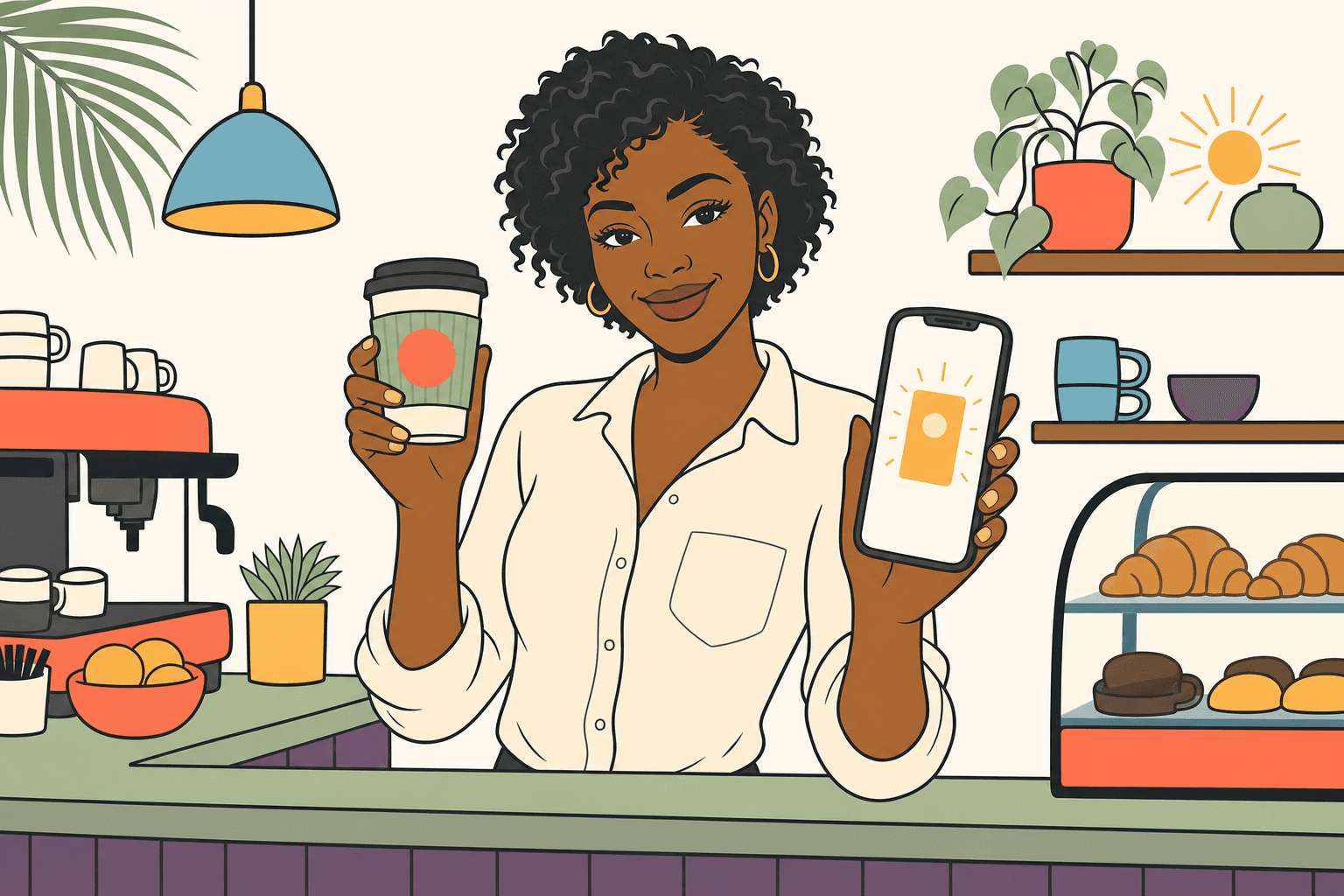
  • When you swipe right on a partner (a salon, a Pilates studio, a boutique), their offers unlock in your wallet.
  • Tap an offer → you get a unique confirmation code in your wallet.
  • Show the code at checkout. The partner enters it in their app. Done.
  • Offers expire — they’re visible in your wallet with countdown timers.
Sending & receiving gifts

Step 05

Sending & receiving gifts

  • On any partner, tap "Send as gift." Pick a friend (a match or any mom you’ve searched).
  • Pay with your card. She gets a text receipt with a confirmation code.
  • If she hasn’t matched with you yet, the gift highlights you in her feed.
  • When she walks into the partner location and they enter the code, the partner is paid. She’s loved.
Wilmington, NC

Motherhood is hard.
Wilmington is full of moms.
Let’s introduce you.

One phone number. 90 seconds. Free forever for moms. Welcome home, mama.